Setting up your data science project
To implement a data science workflow, you must create a data science project (as described in the following procedure). Projects allow you and your team to organize and collaborate on resources within separated namespaces.
-
Navigating to the OpenShift AI dashboard:
-
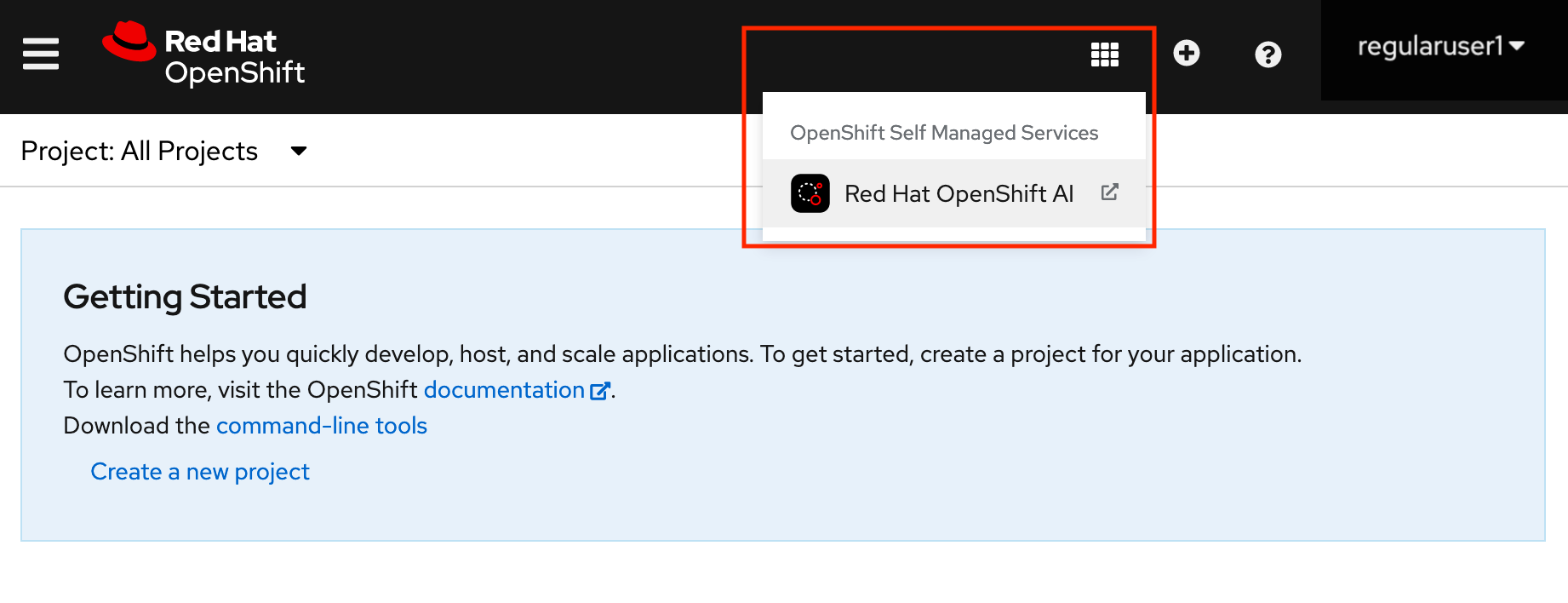
After you log in to the OpenShift console, click the application launcher icon on the header.
-
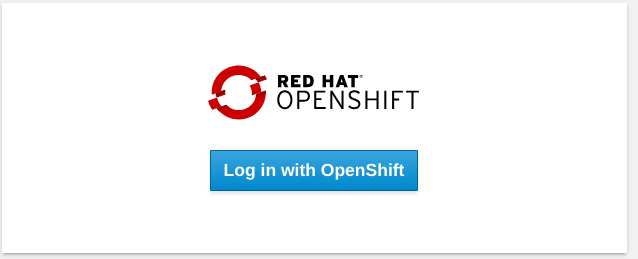
When prompted, log in to the OpenShift AI dashboard by using your OpenShift credentials. OpenShift AI uses the same credentials as OpenShift for the dashboard, notebooks, and all other components.
-
The OpenShift AI dashboard shows the Home page.
-
On the navigation menu, select Data science projects. This page lists any existing projects that you have access to. From this page, you can select an existing project (if any) or create a new one.

-
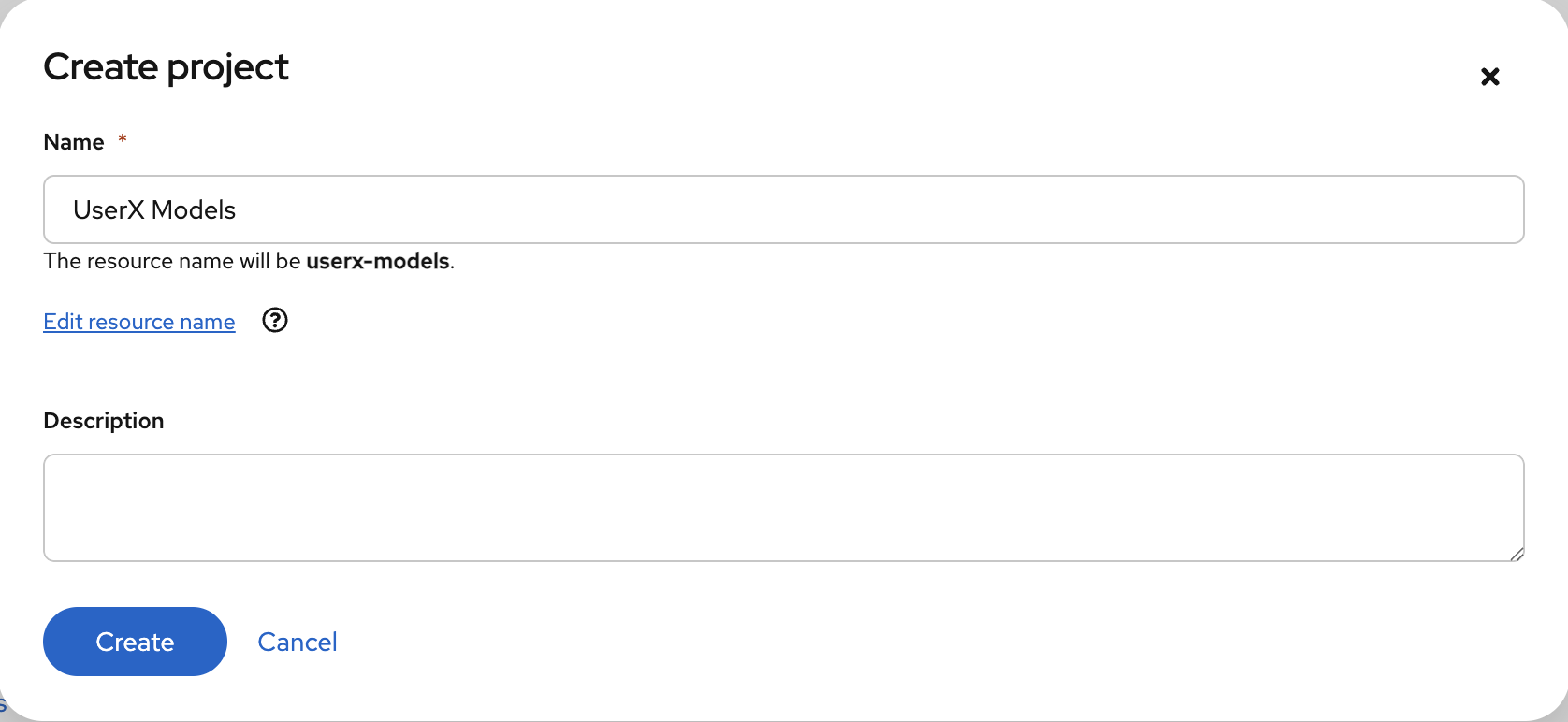
Click Create project.
-
Enter a display name and description.
-
Click Create.
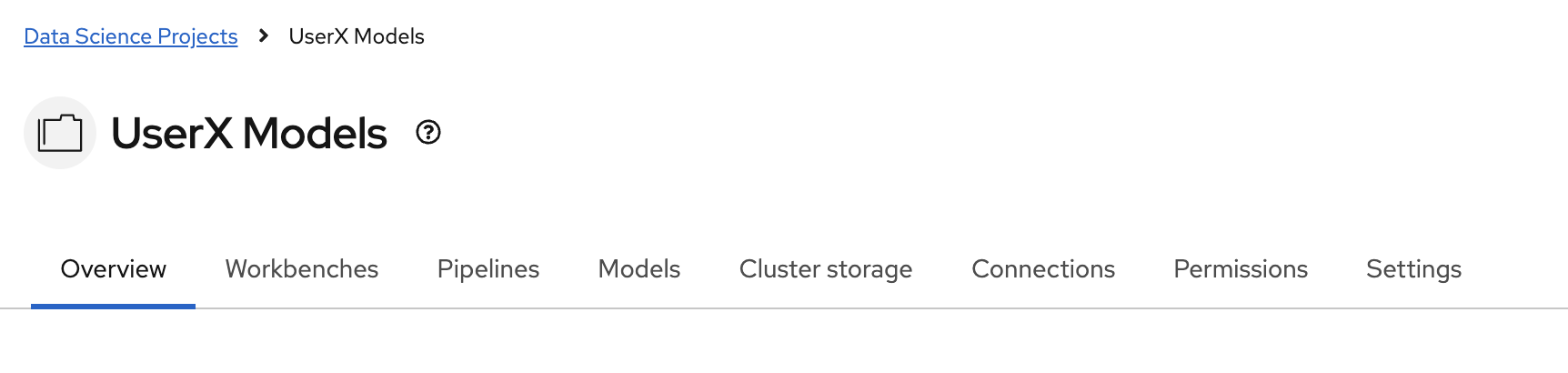
You can see your project’s initial state. Individual tabs provide more information about the project components and project access permissions: