Delete a model
If you’d like to conserve GPU resources, you can delete the model after you’re done using the API.
Procedure
-
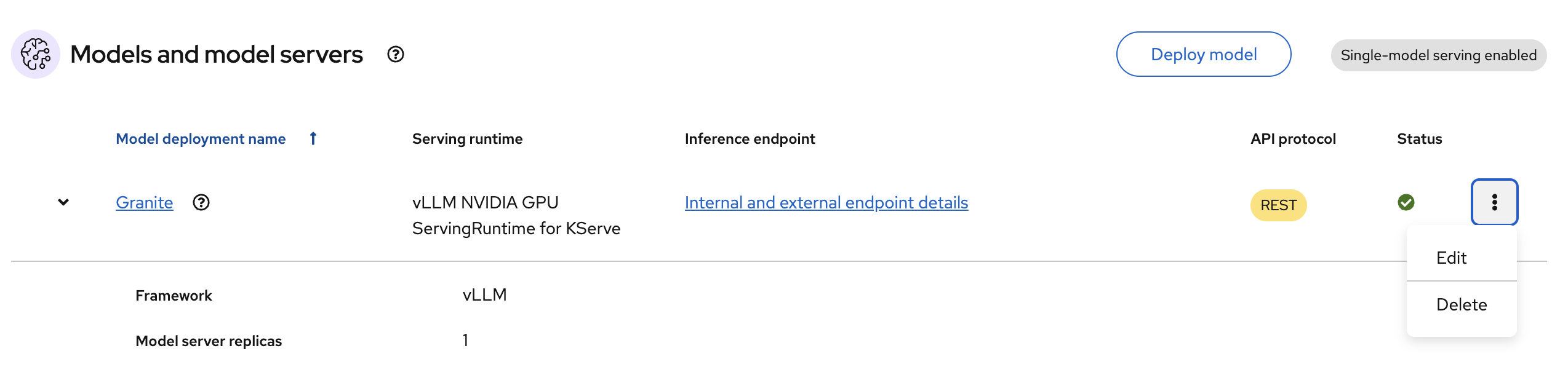
In the OpenShift AI dashboard, navigate to the project details page and click the Models tab.
-
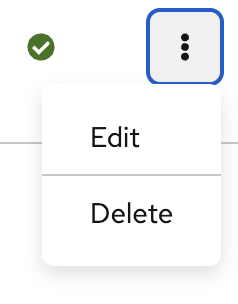
Click on the kebab icon and select Delete.
Next step